Local vision engine
YOLO26 computer-vision models run on the Mac's Apple Silicon chip and analyse several frames per second. The previous cloud version looked at one frame every six seconds.
Every app here was designed, built and published by Vivig Consulting. Each one uses AI where it saves time or prevents a mistake.

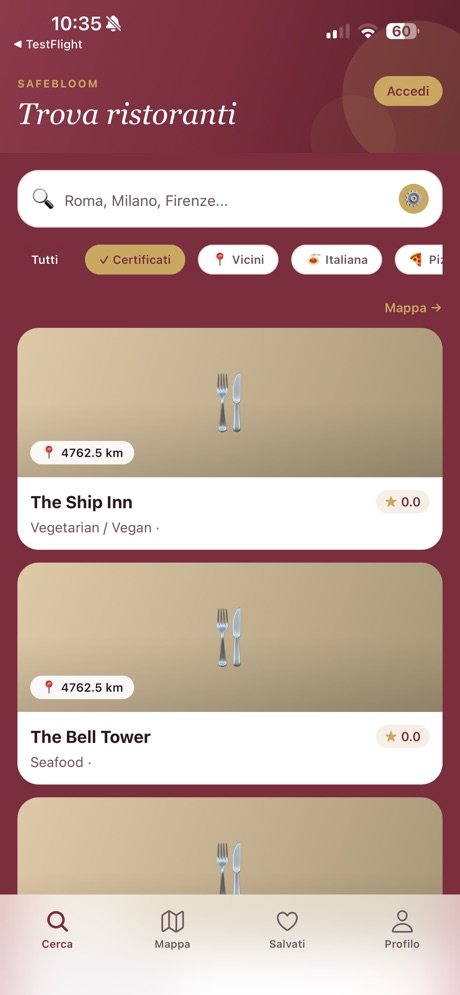
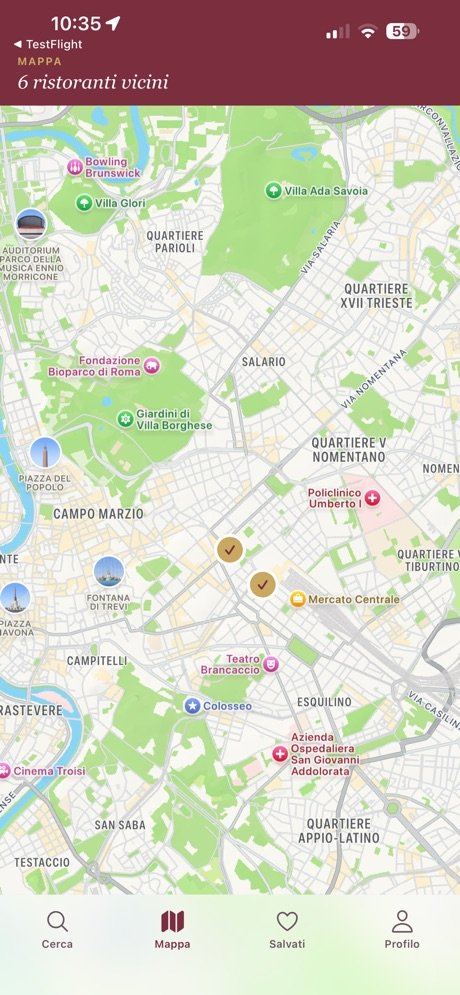
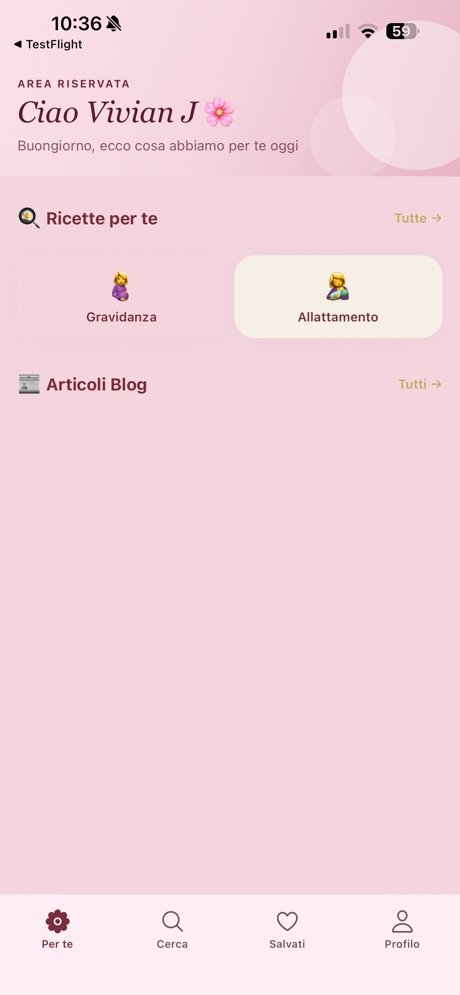
The app for eating safely during pregnancy and breastfeeding, supervised by a specialist nutritionist. It is part of SafeBloom Europe, the network of restaurants certified pregnancy-safe.
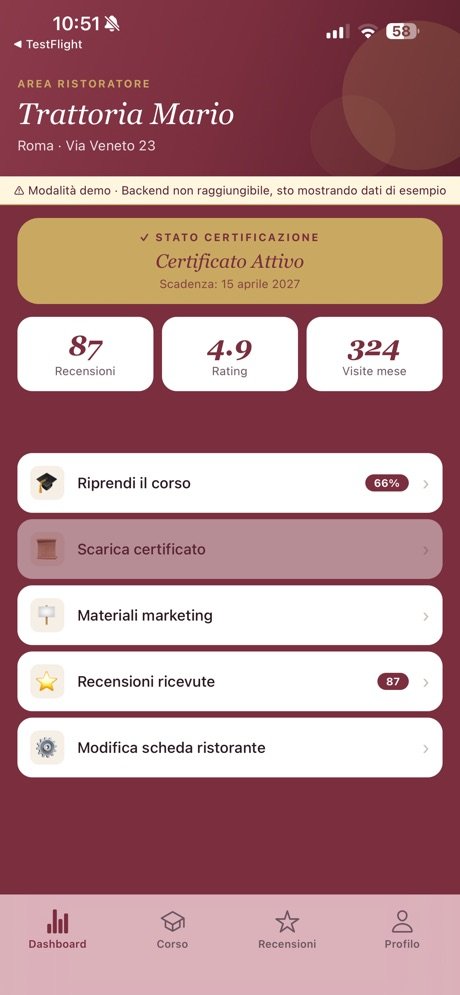
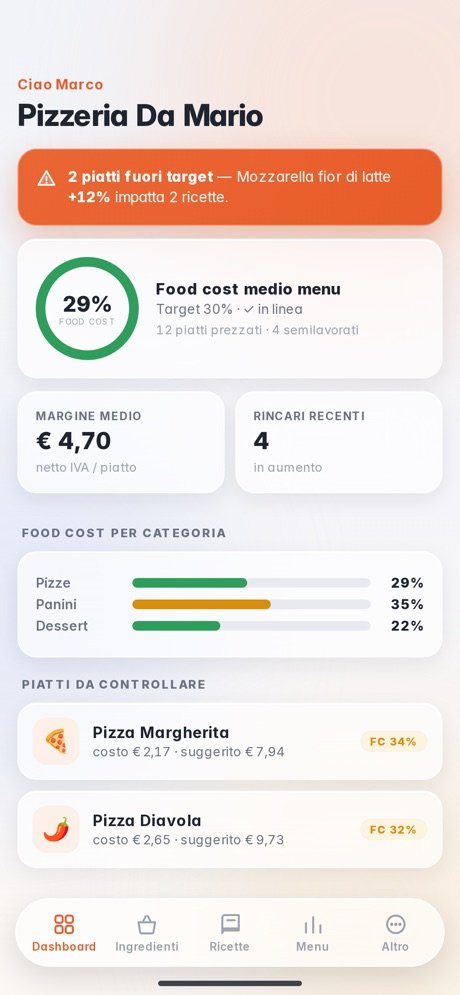
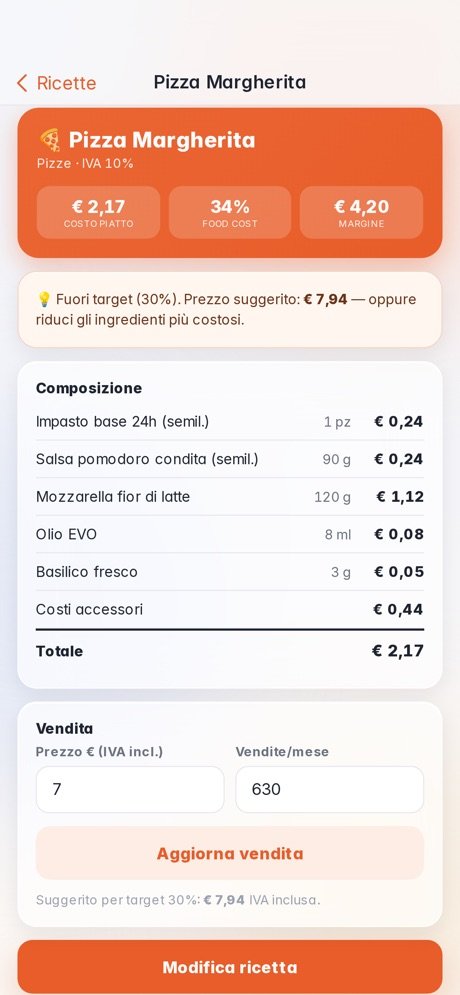
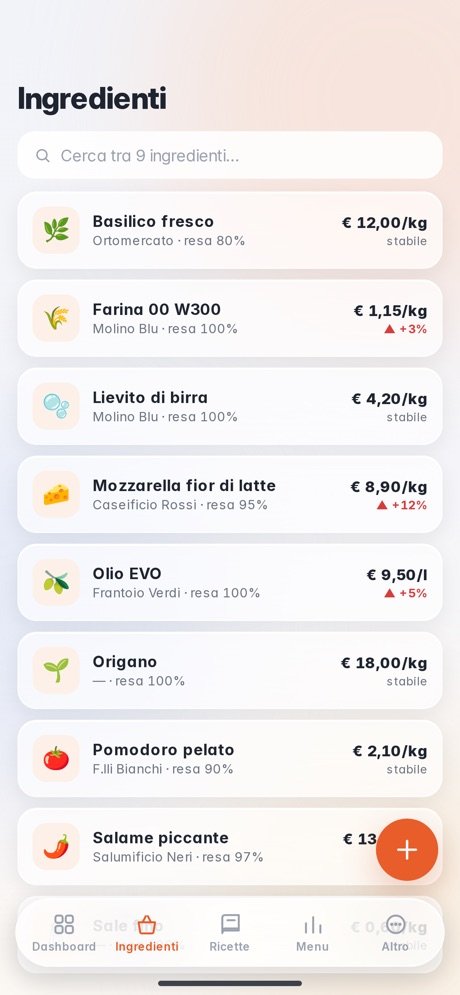
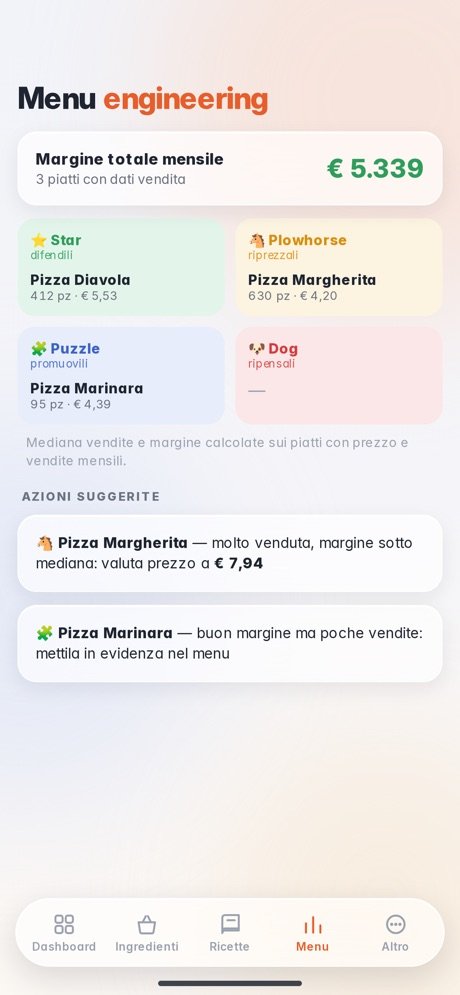
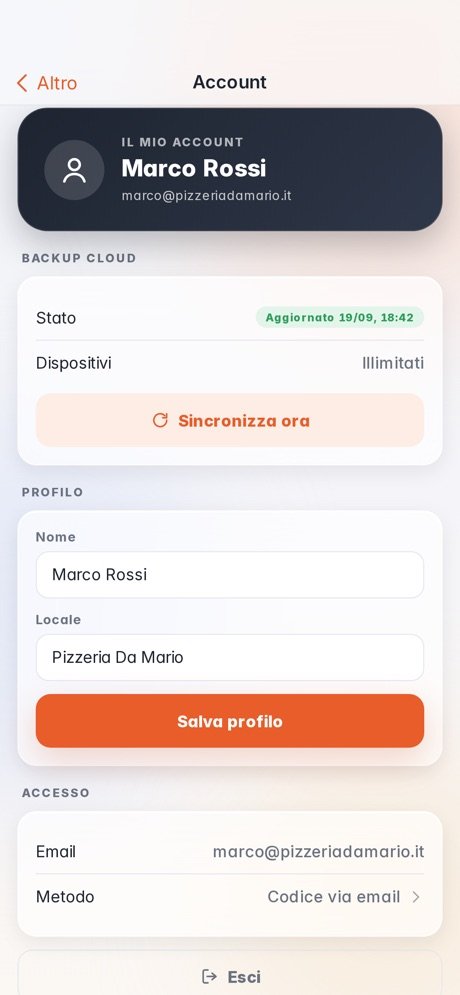

The app for restaurant owners that works out the food cost of every recipe, warns when price rises eat into margins and suggests the right selling price. Made for pizzerias, restaurants, bars and pastry shops.
An AI safety supervisor for building sites that runs entirely on the company's own computer. A phone or a site camera is enough: the AI checks protective equipment and risky behaviour in real time and raises an alarm with visual evidence, without sending a single frame to the cloud.
Access requires an account provided by your company.
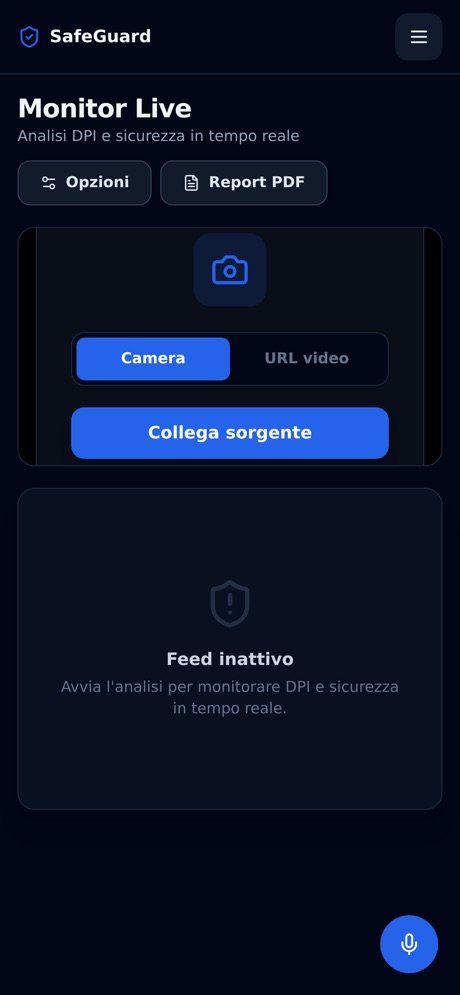
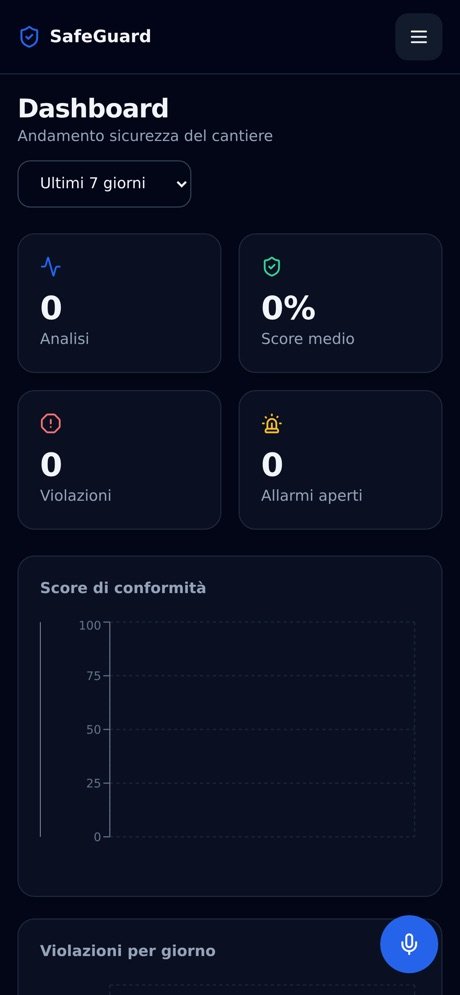
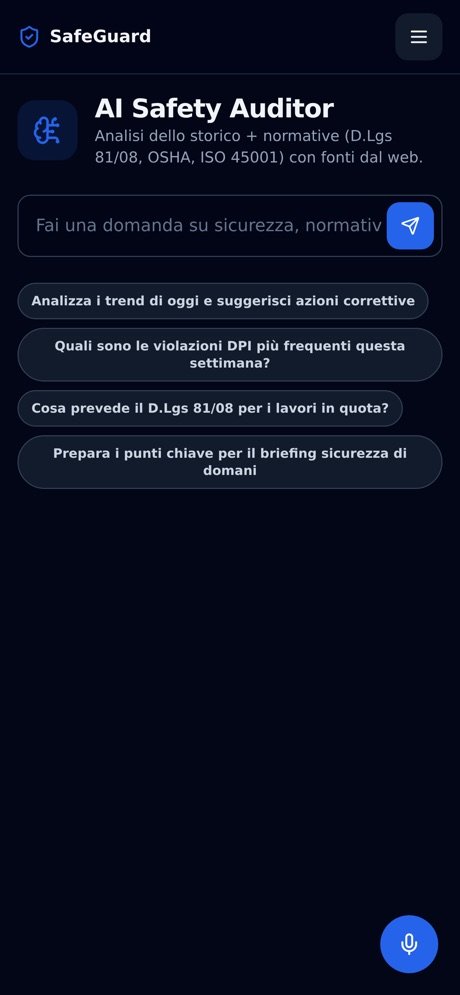
We moved SafeGuard's analysis from the cloud to an engine that runs on the company's own Mac with an Apple Silicon chip. Here is what's inside and why it matters.
YOLO26 computer-vision models run on the Mac's Apple Silicon chip and analyse several frames per second. The previous cloud version looked at one frame every six seconds.
We trained the detection model on a dataset dedicated to building-site PPE. On test images it finds 90% of helmets, 89% of gloves and 91% of safety glasses.
Missing equipment is flagged only with visual proof, never just because something wasn't seen, and every alarm must be confirmed in 3 frames out of 6. Man-down needs the full skeleton, a horizontal posture and stillness over several frames.
The AI Safety Auditor and the assistant use an open-source language model, run with Ollama on the same Mac. They answer from the documents you load (national safety laws, training rules, risk assessments, site safety plans, procedures) and cite the source. Documents never leave the company.
The SafeGuard app connects to the company's Mac through a private, encrypted network based on WireGuard (Tailscale), over HTTPS. It works on site even over 4G, while the server stays invisible from the internet and only authorised devices can reach it.
Each company gets its own installation, prepared from our control panel: users, logo and colours, documents and Safety Lab objects are its own, with no data shared with other customers.
Why local
An iOS and Android app with the real map of the pool: guests pick a sunbed, pay and get in with a QR code. The waiter comes to their seat, loyalty points add up on their own and the till sees everything from the back office.
Multilingual websites with online courses, certification, e-commerce and a blog, connected to the apps and to marketing campaigns.